DaaX Demos
Try LAKEer and SQLer demos for yourself
How the LAKEer Demo Works
Natural Language Document Search
3D Graph Extraction
LAKEer builds a DaaX 3D graph from complex documents including text, tables, and images
Intelligent Search Results
Get precise answers from multi-page technical documents with context and source references
Document Processing Capabilities
LAKEer can process and extract knowledge from:
These demos showcase LAKEer's ability to transform unstructured technical documents into searchable DaaX 3D graph, enabling users to quickly get critical answers.
Quick Navigation
Each demo has its own link you can copy and share.
Demo 1: ChatGPT-5 Benchmark Via Natural Language Search of Oil Well Drilling Reports
Query drilling operations data and completion reports with natural language
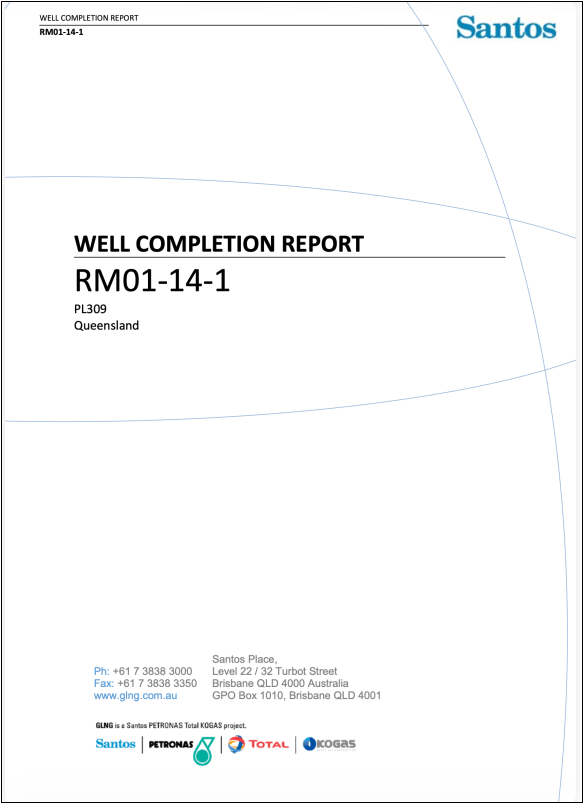
This demo showcases LAKEer's capability to build a DaaX 3D graph from oil well drilling reports, enabling engineers and analysts to quickly find information about drilling operations, well performance, and completion data. The report ingested in this demo is a PDF, over 200-pages long, and contains text, tables with merged cells, and images / graphics - and you can search any / all of them. This PDF is publicly available on the Queensland Government website, view it here. Disclaimer: the Queensland Government and Santos have no association with this demo, it is the responsibility of DaaX alone.
Try These Example Queries
Copy any of these natural language queries and paste them into the demo to see LAKEer in action
Summarize any Non-Productive Time (NPT) events, equipment failures, or Health, Safety, and Environmental (HSE) incidents that occurred during drilling, casing, or cementing operations. Include the type of event, date, affected equipment or personnel, and any corrective actions taken
Identify any significant deviations between actual and prognosed depths for key stratigraphic markers encountered during drilling. Include the marker name, expected depth, actual depth, deviation magnitude, and any geological or operational explanations provided
Provide a comparison of the surface and production holes of the well including depth, hole/bit size, drilling fluid details, and interval. Also, identify any notable mud losses, fluid-related operational issues, or mitigation actions taken during the operation of drill fluid program
Demo 2: Natural Language Search of Semiconductor Data Sheets and App Notes
Search and analyze semiconductor technical documentation using natural language
This demo showcases LAKEer's ability to create a DaaX 3D graph from semiconductor data sheets and application notes, enabling engineers and designers to quickly find technical specifications, performance characteristics, and design guidelines across multiple documents. In this demo, we ingested over 80 separate Data Sheets and App Notes, containing text, tables with merged cells, and images / graphics - and you can search any / all of them. All of these documents were in PDF form and are publicly available on the Mitsubishi Electric US website here. Disclaimer: Mitsubishi Electric has no association with this demo, it is the responsibility of of DaaX alone.
Try These Example Queries
Copy any of these natural language queries and paste them into the demo to see LAKEer in action
What is the collector-emitter saturation voltage for the CM450DX-24T?
What is the isolation voltage rating for the CM300DX-24T?
What does the 3rd digit in the date code mean?
日付コードの 3 桁目は何を意味しますか?
Japanese
English: What does the 3rd digit in the date code mean?
날짜 코드의 3번째 숫자는 무엇을 의미합니까?
Korean
English: What does the 3rd digit in the date code mean?

Demo 3: Natural Language Search of Emails & Teams / Slack Messages
Search and analyze business communications across email and Teams with natural language
This demo showcases LAKEer's ability to create a DaaX 3D graph from emails and Microsoft Teams messages, enabling you to quickly find decisions, action items, and key discussions buried in the tsunami of data using natural language queries.
It uses a subset of the publicly available email dataset that the US Government released many years ago from the Enron Corporation. That data was from before Teams/Slack, so we synthetically created some Teams messages from the emails messages. Disclaimer: No other entity has any association with this demo, it is the responsibility of DaaX alone.
Try These Example Queries
Copy any of these natural language queries to see how LAKEer searches across emails and Teams messages
Show me all messages about bad tenants
Show me all messages about lease violations
Find conversations about energy trading
